App store

Your Cal.com assistant, booking notifications and out of office, right inside Slack.
Ask the Cal.com assistant
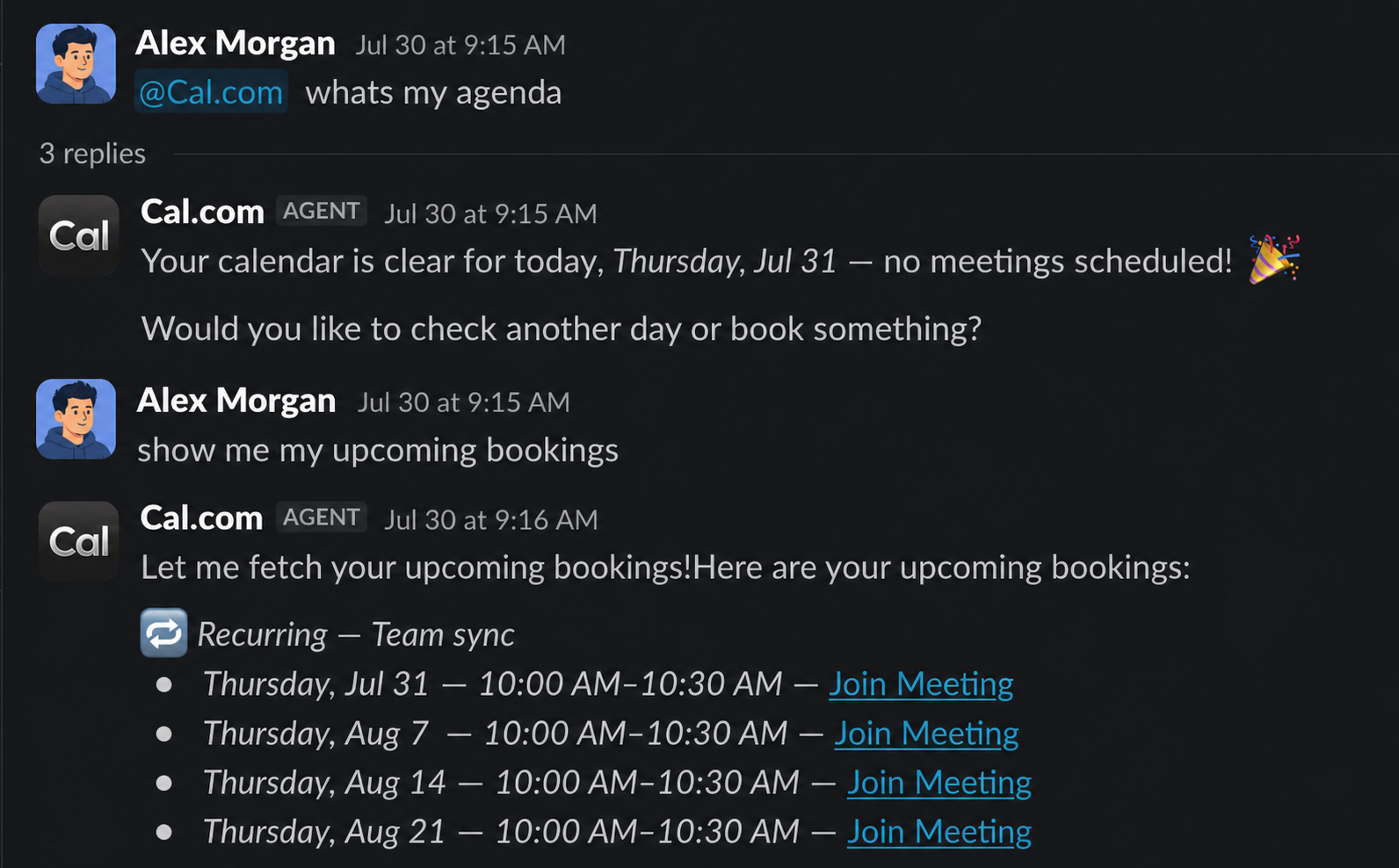
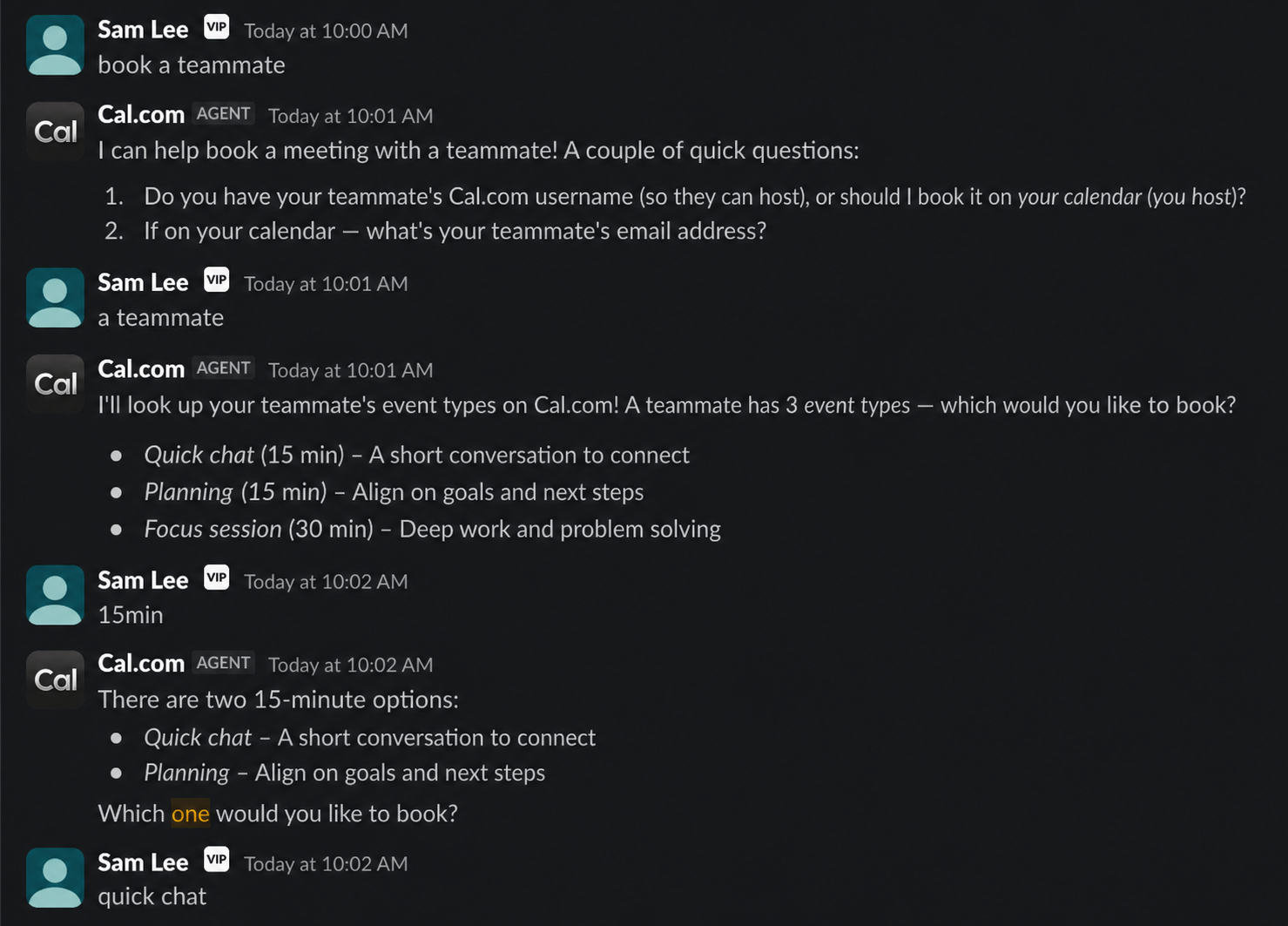
DM it, @mention it in a channel, or run /cal <question>. It can check your availability, find a time with a teammate, book, reschedule or cancel meetings, and set your out of office.
- Every DM starts its own thread, so each question keeps its own conversation.
- Mention it once in a channel thread and it follows your replies without another mention. Start a message with
(aside)and it stays out of it. - Anything that changes your calendar shows an Approve / Deny card first. You can also just reply “approve” or “deny”.
Booking notifications
Get a DM when someone books, reschedules or cancels with you. Choose which ones under Settings → Notifications.
Out of office announcements
Pick a channel under Settings → Out of office → Integrations and your team sees when you’re out. Delete the entry and the post is struck through.
Getting started
- Select Install to add Cal.com to your Slack workspace.
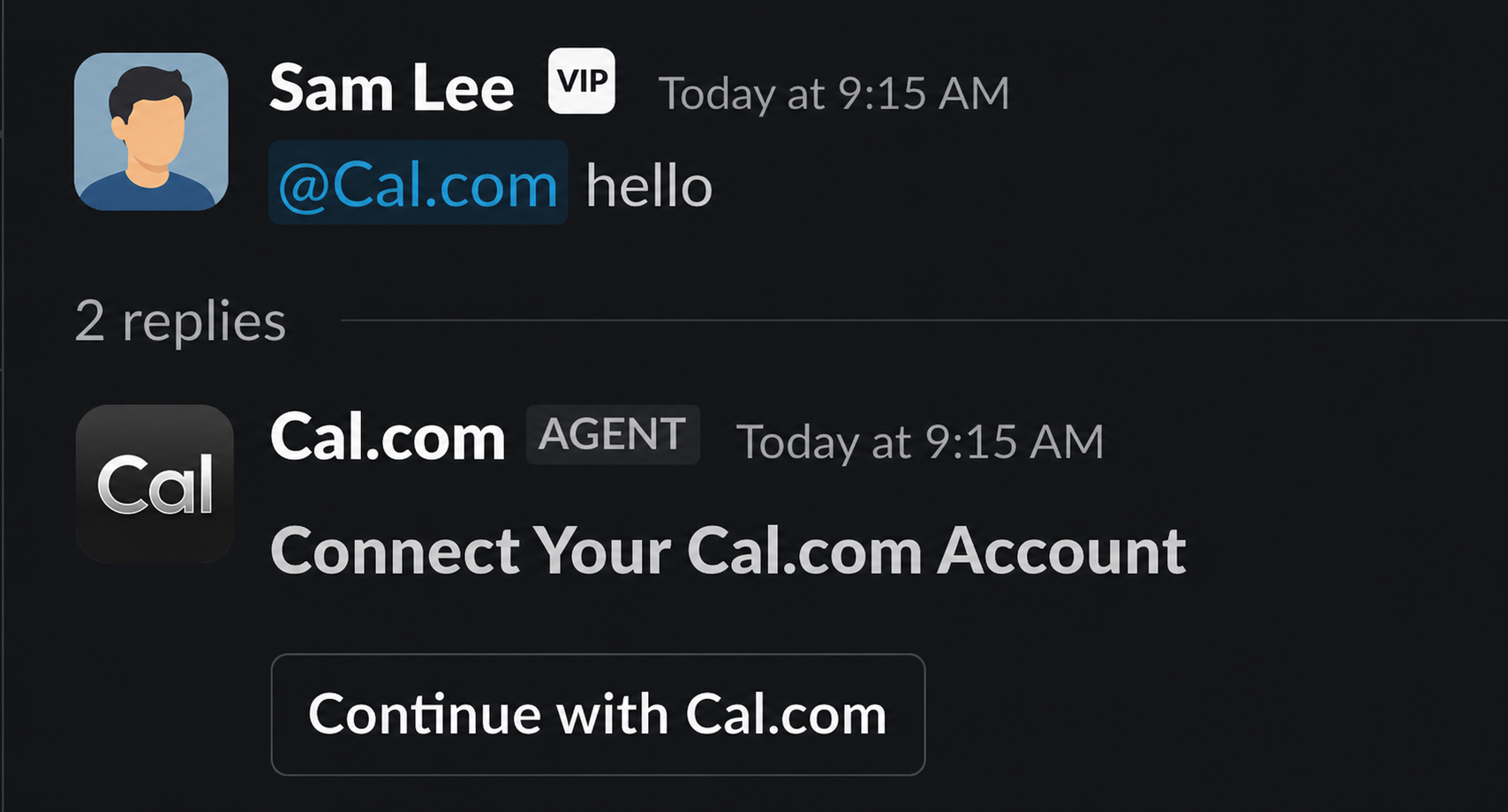
- When an organization admin installs it, teammates are linked automatically by their verified work email. Everyone else runs
/cal link.
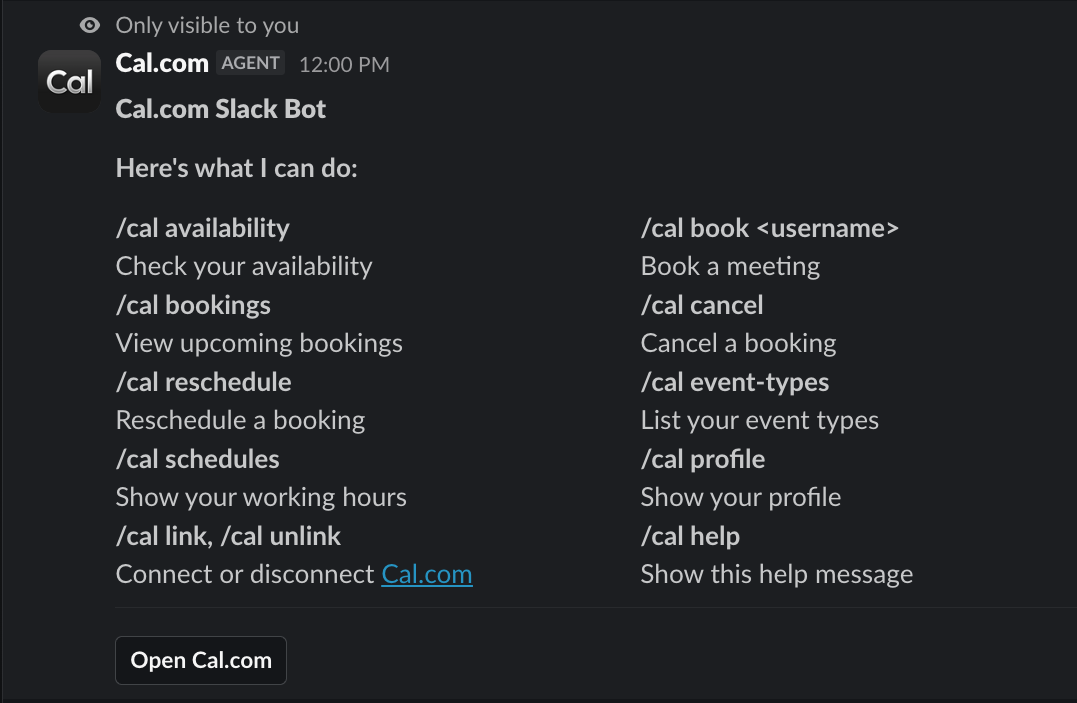
Commands
Pricing
FreeContact
Every app published on the Cal.com App Store is open source and thoroughly tested via peer reviews. Nevertheless, Cal.com, Inc. does not endorse or certify these apps unless they are published by Cal.com. If you encounter inappropriate content or behaviour please report it. Report app